

Settings Overview
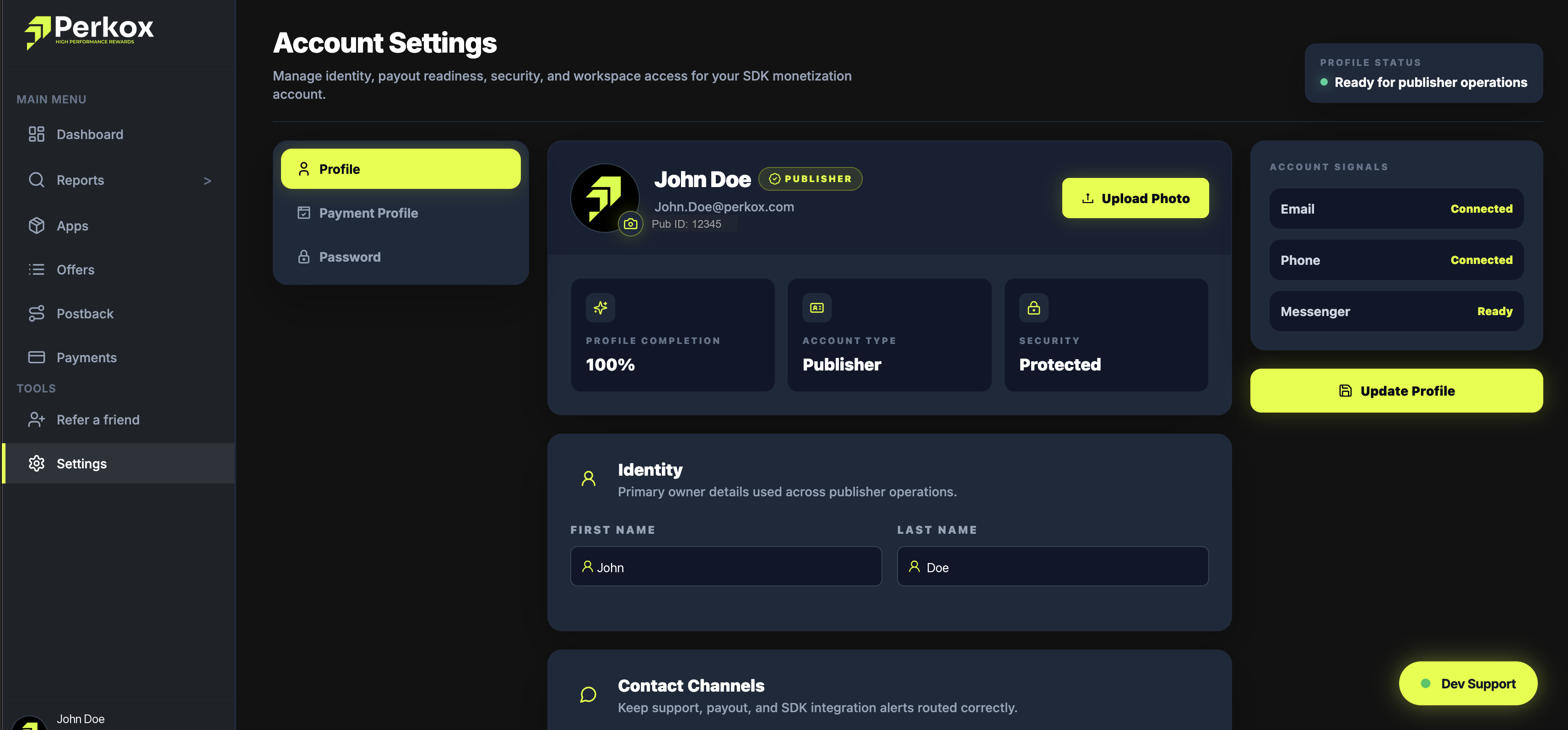
The Settings page is where you maintain your publisher identity details, manage notification routing, generate API tokens, and configure account security.
Click to expand
Primary Owner Details
Maintain your legal first name, last name, business registration, and unique Publisher ID (e.g. Pub ID: 12345).
Notification Channels
Configure alert routing for payout confirmations, spike anomaly warnings, and SDK integration notices via Email and Messenger.
Security & API Keys
From the API Keys tab in Settings, you can generate read-only API tokens for pulling offers via the REST API or rotate your Postback Secret Key.
Postback Secret Key Rotation
If you rotate your Postback Secret Key, ensure you update the verification key in your backend servers immediately to prevent signature validation rejections.